One entry a day.Open, write, done.
Diarum is a diary built for writing a little every day. No titles, no folders, no decisions — open it and you are on today’s page, and everything you type is already saved. Your data stays on your own server.
Demo account: demo / demo@1234
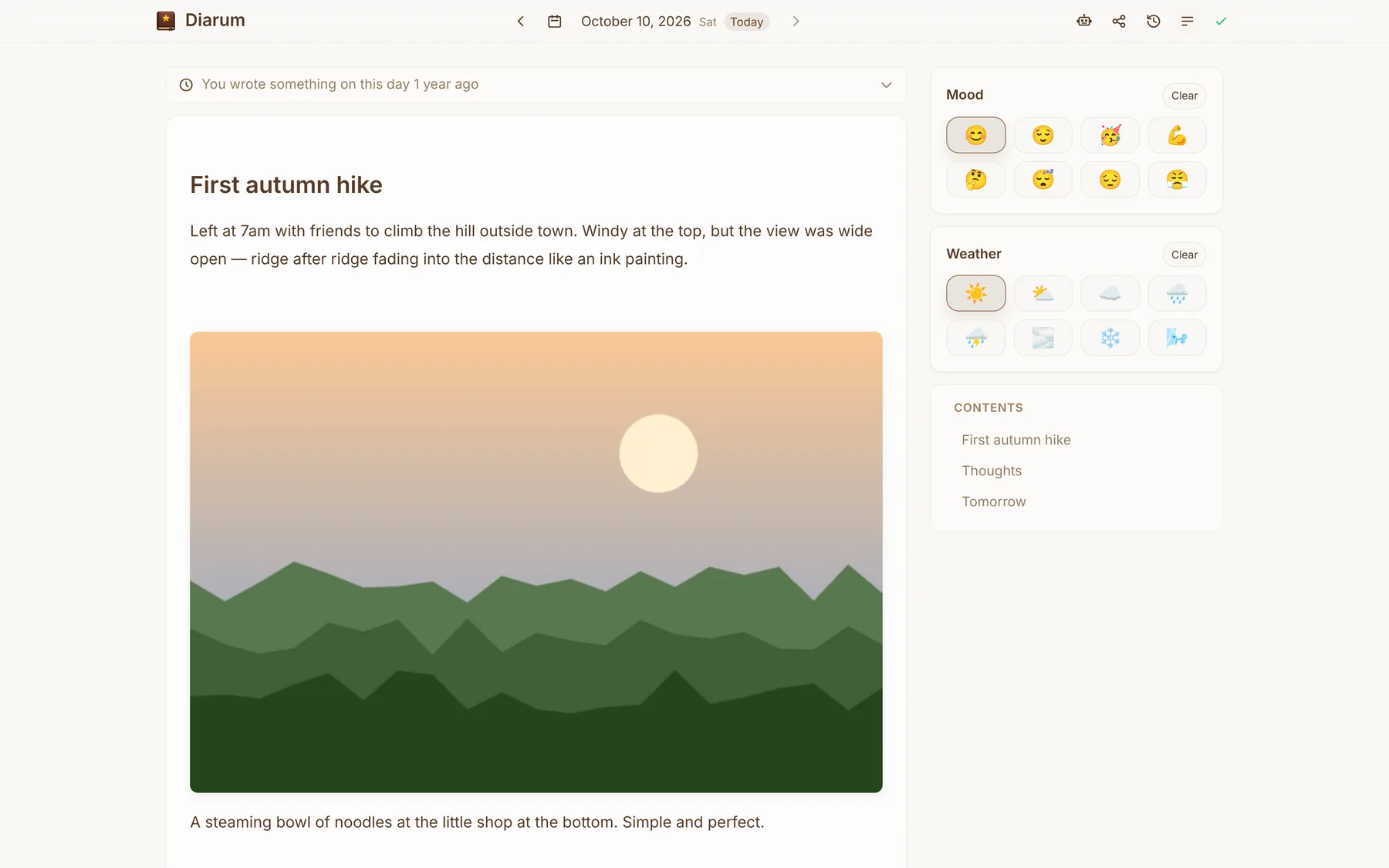
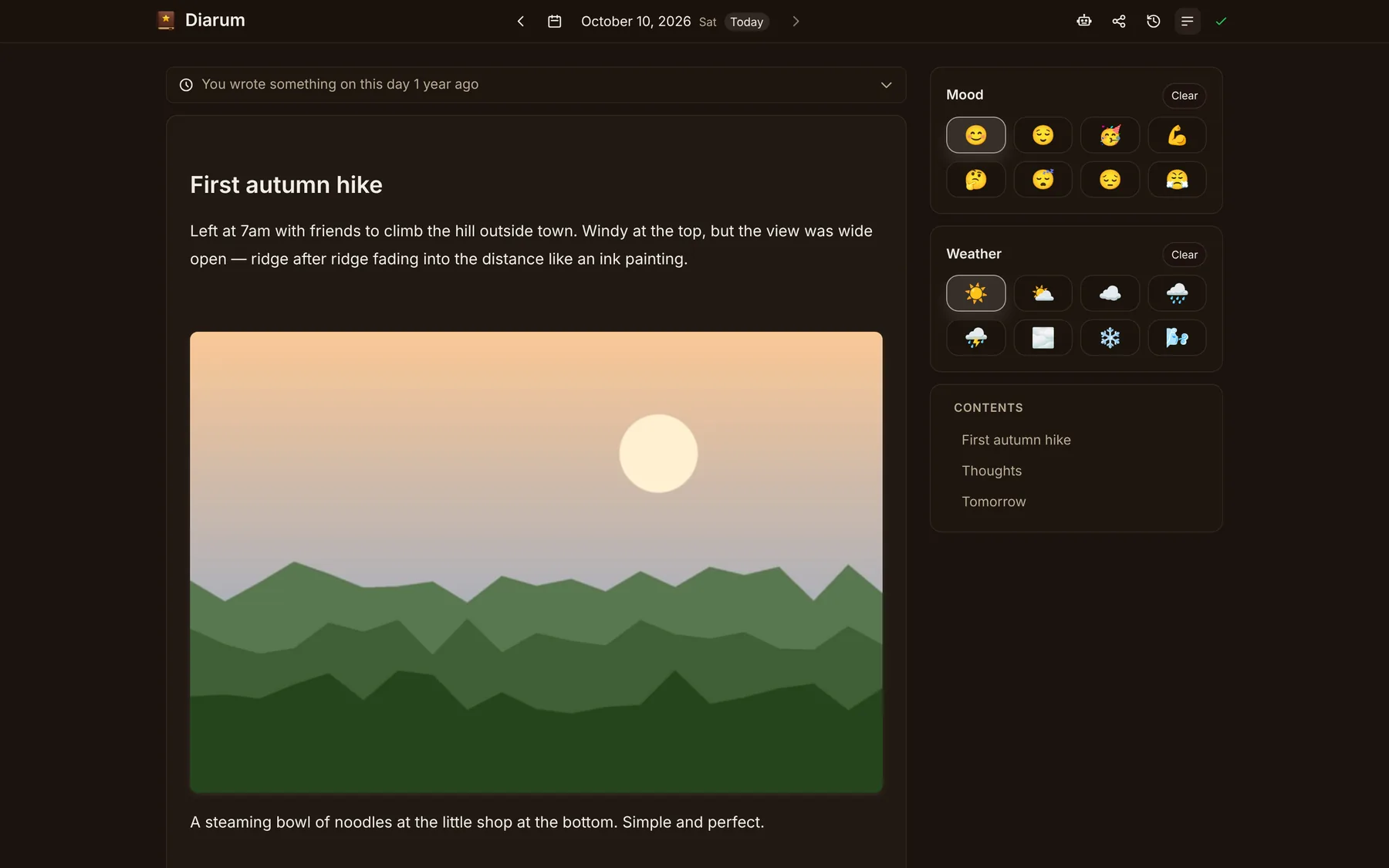
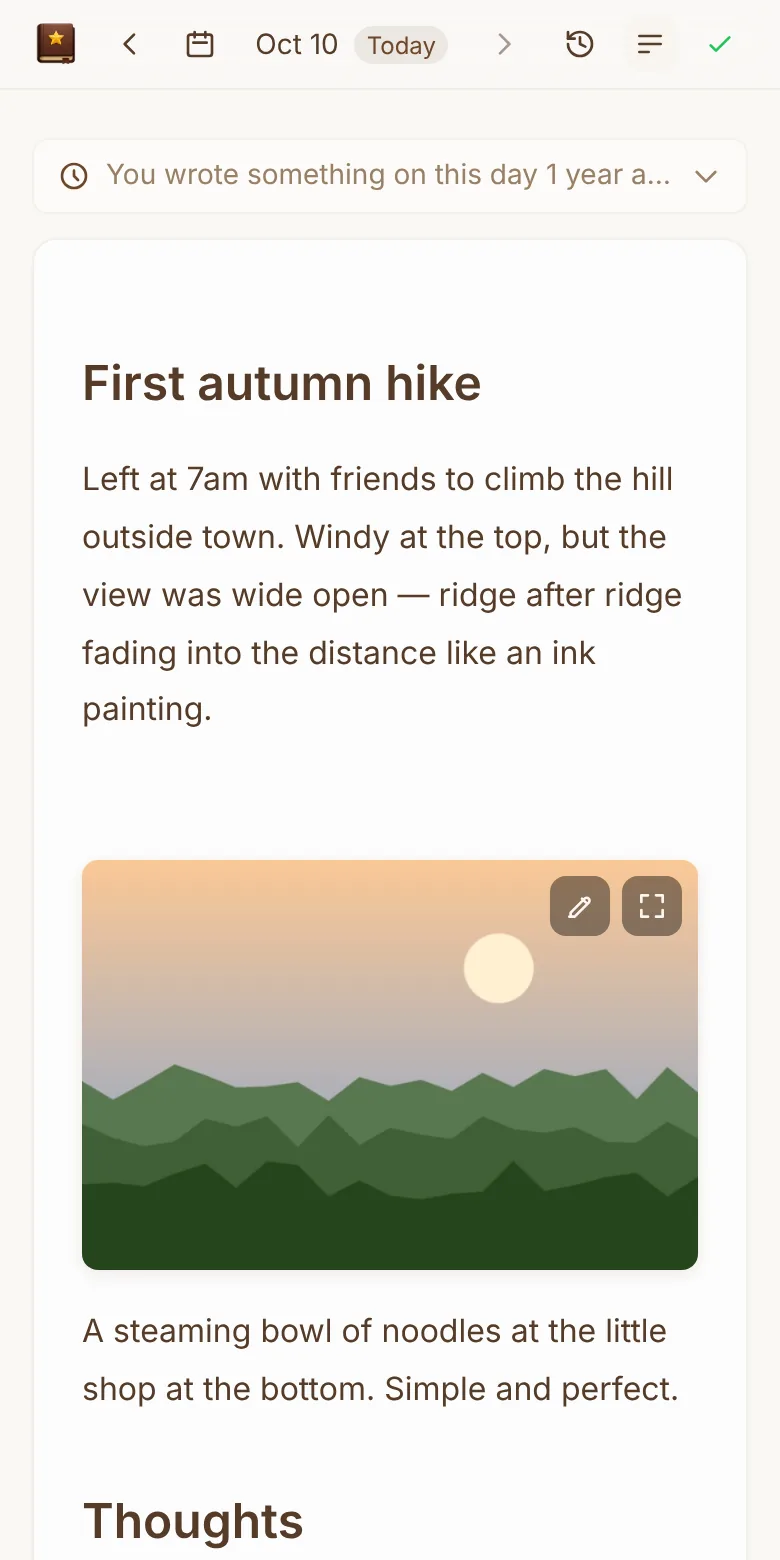
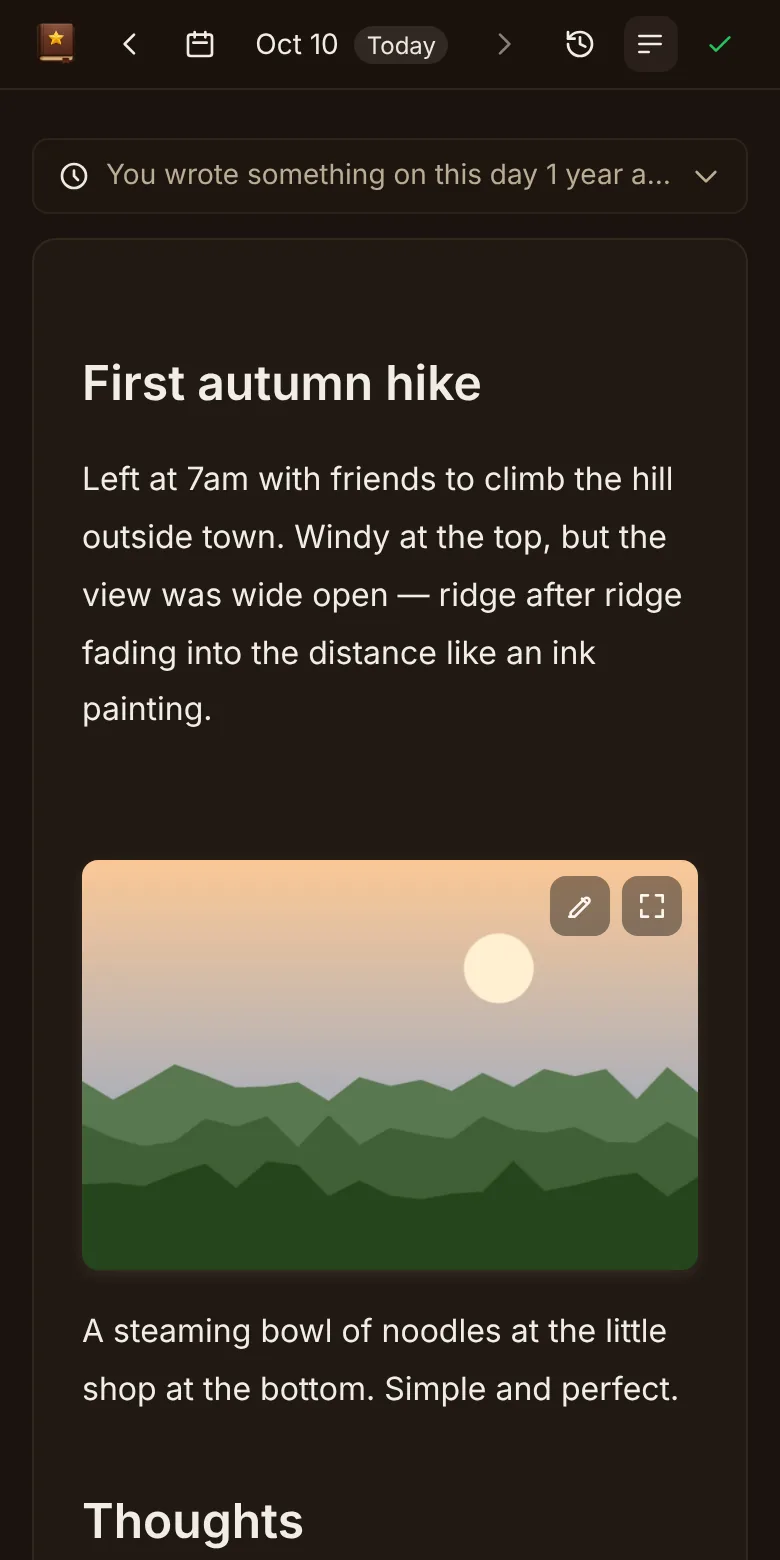
A diary that is just right
Diarum does one thing: make writing and looking back every day effortless, for years.
One entry a day
Exactly one entry per day, indexed by its date. No titles, no folders — and ten years from now you can still find that day instantly.
Open and write
Sign in and you are on today’s entry. Auto-save, offline writing and an installable app — zero friction.
Privacy first, you own it
Self-hosted on your own server: one binary plus SQLite, and the data directory is everything. Open source, no third parties.
Backups & import/export
Export JSON + Markdown + original images in one archive, and back up to your own S3 on a schedule with one-click restore.
Designed to feel obvious
Polished on desktop and mobile: slash commands, outline, version history, On This Day and three visual styles.
Audited and accountable
Every API call is in the audit log, and every read of every entry is recorded — so you know nobody else has read it.
AI-native, agent-ready
A built-in RAG assistant on any OpenAI-compatible model, plus MCP and a REST API for Claude, n8n and friends.
Statistics
Total words, daily and yearly charts and your streak — watch a life’s worth of writing add up.
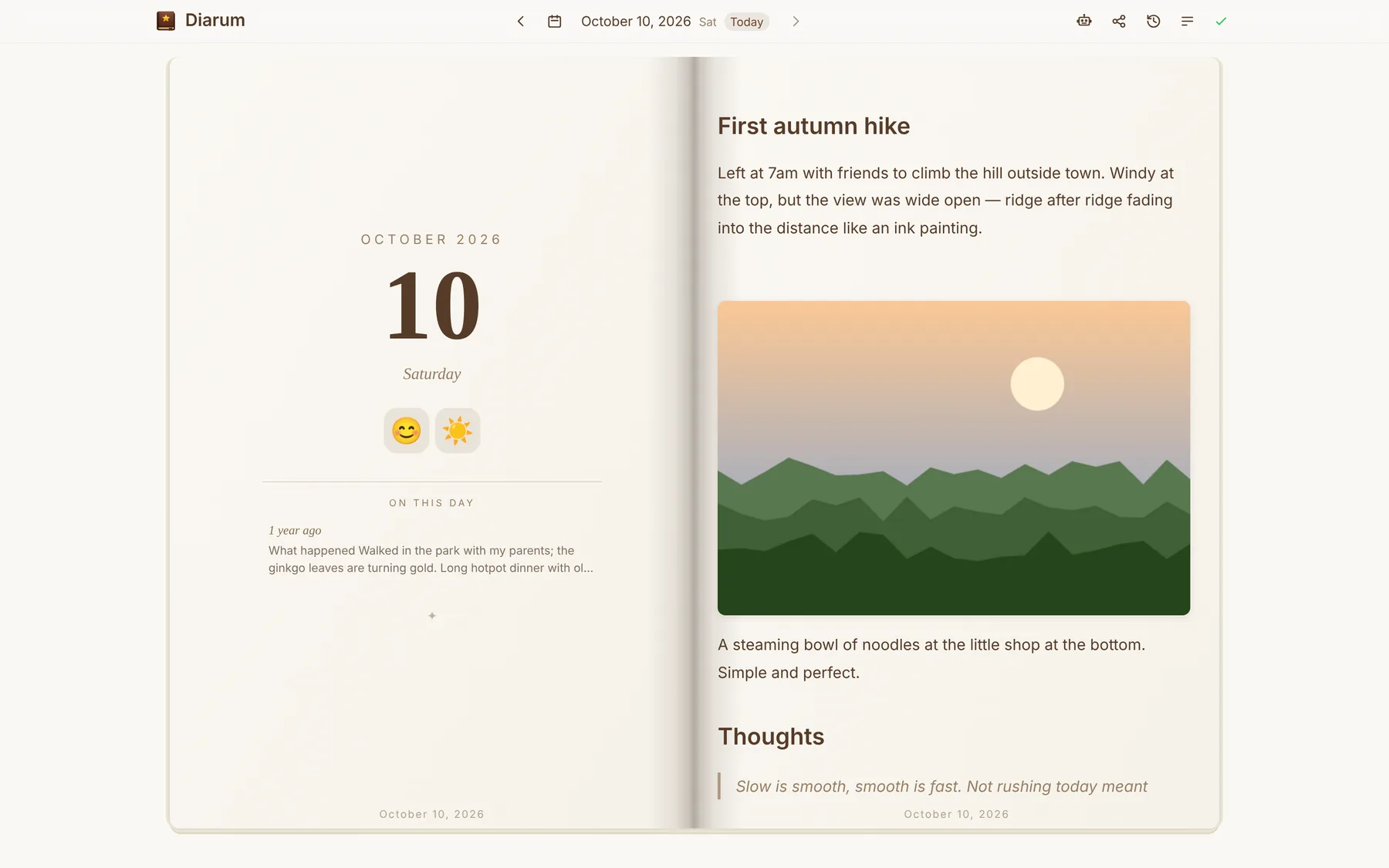
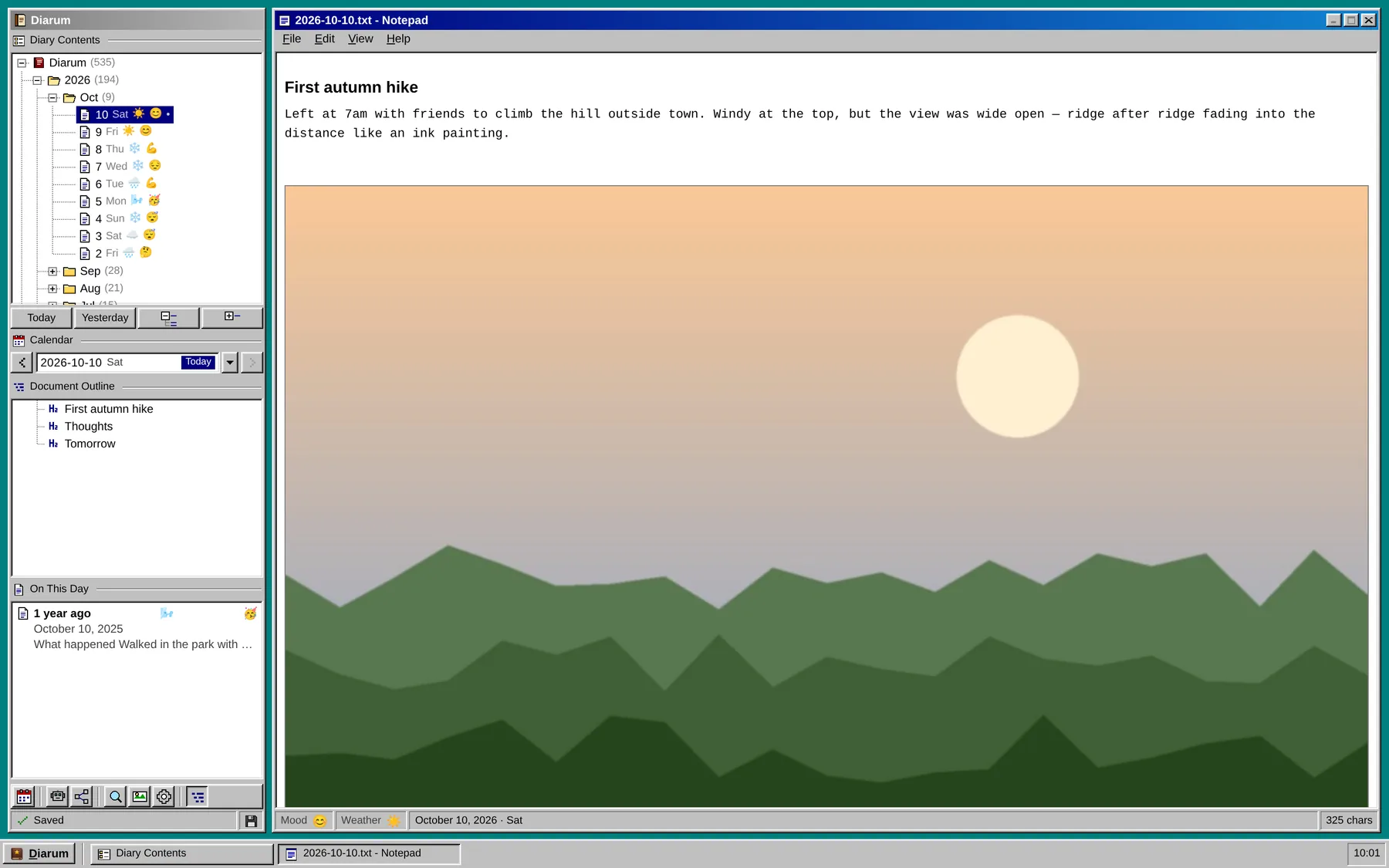
Three styles, equally easy to write in
A classic editor, an open book or retro Windows 95 — switch in Settings, in light or dark.
A diary your AI can read, too
From the built-in assistant to MCP, from the REST API to webhooks — Diarum is built for personal data in the AI era, and every read is audited.
{
  "mcpServers": {
    "diarum": {
      "type": "http",
      "url": "https://diary.example.com/api/v1/mcp",
      "headers": { "Authorization": "Bearer <token>" }
    }
  }
}get_diarylist_diariessearch_diaries
Your most private data deserves the strictest care
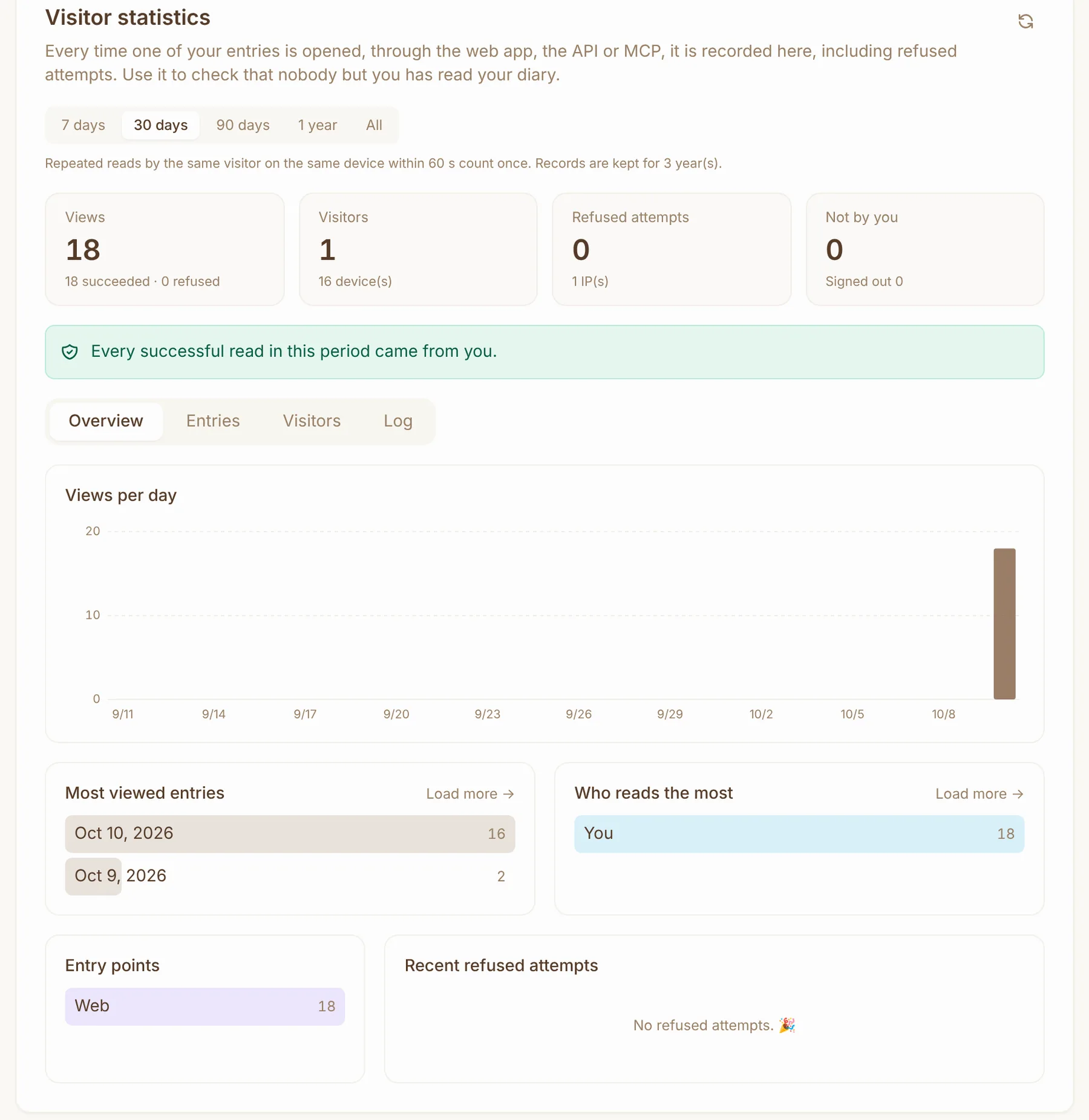
Self-hosting is only the start. Diarum lets you own your data — and prove nobody else has read it.
- Runs on your own server or NAS; entries, images and AI settings live only in your data directory
- The system audit log records every API call — but never diary content
- Visitor statistics record every read of every entry, including refused and signed-out attempts
- API and MCP are off by default, tokens can be reset any time, and access is strictly read-only
- Exports are plain Markdown plus original images — no lock-in
- Fully open source, with test coverage tracked in public
And more
One command, your own diary in five minutes
A single binary with the frontend and SQLite built in — no external dependencies. Run it with Docker, Docker Compose or on bare metal.
The first account to register becomes the administrator.
Read the deployment guidedocker run -d --name diarum \
-p 8090:8090 \
-v ./data:/app/data \
songtianlun/diarum:latestLatest release
All releases →
Start with today’s entry
Try the demo first, then deploy it on your own server when you are ready.