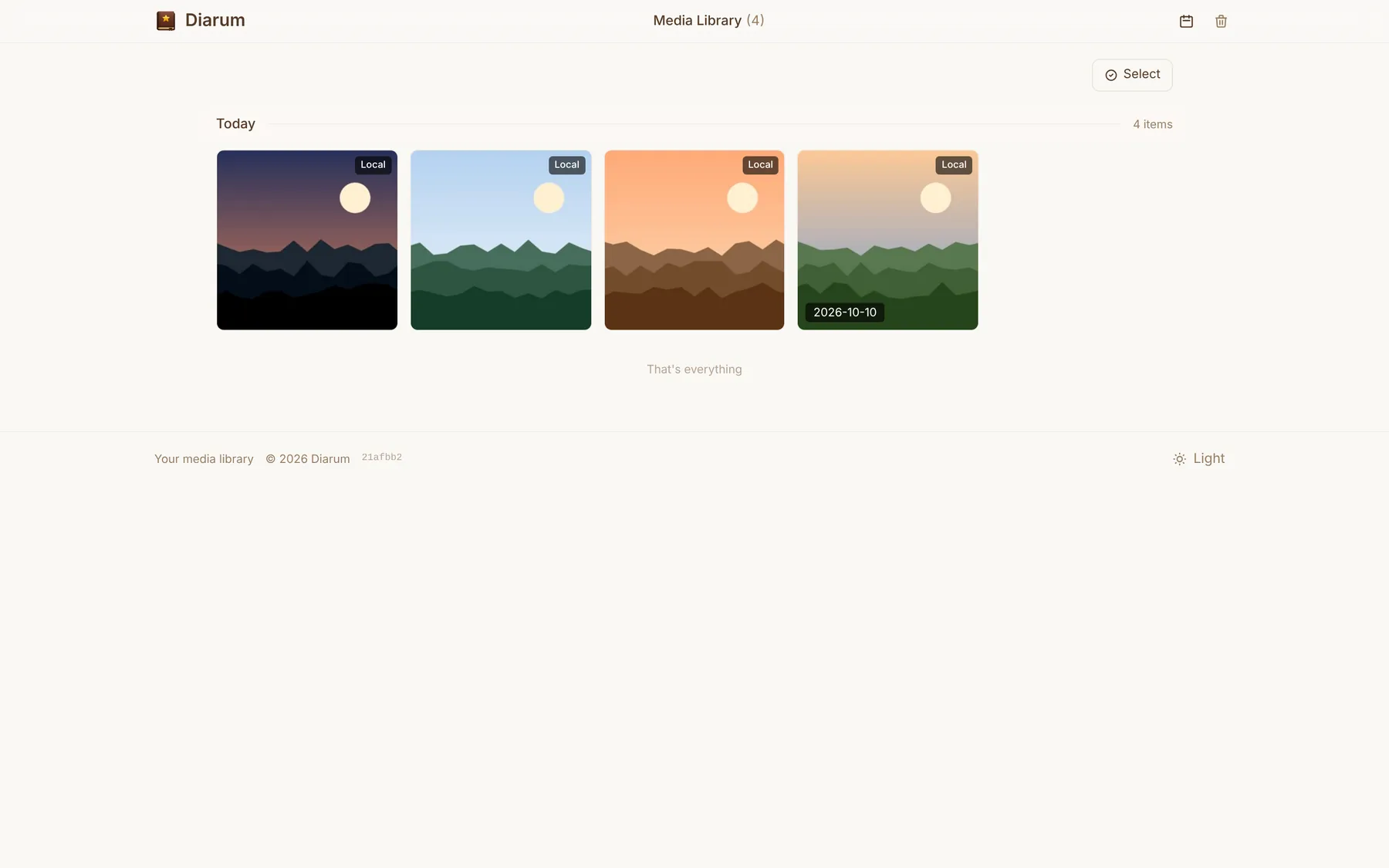
Drop images in and keep writing. Automatic thumbnails, Live Photos and HEIC, local / S3 / Chevereto storage, a media library and a trash.
Adding images
Paste or drag images straight into the editor, or use the / menu for Image, Image URL or Gallery. Several images upload in parallel through a queue while you keep typing.
Click any image in an entry to open the lightbox and browse the originals.
Automatic sizes
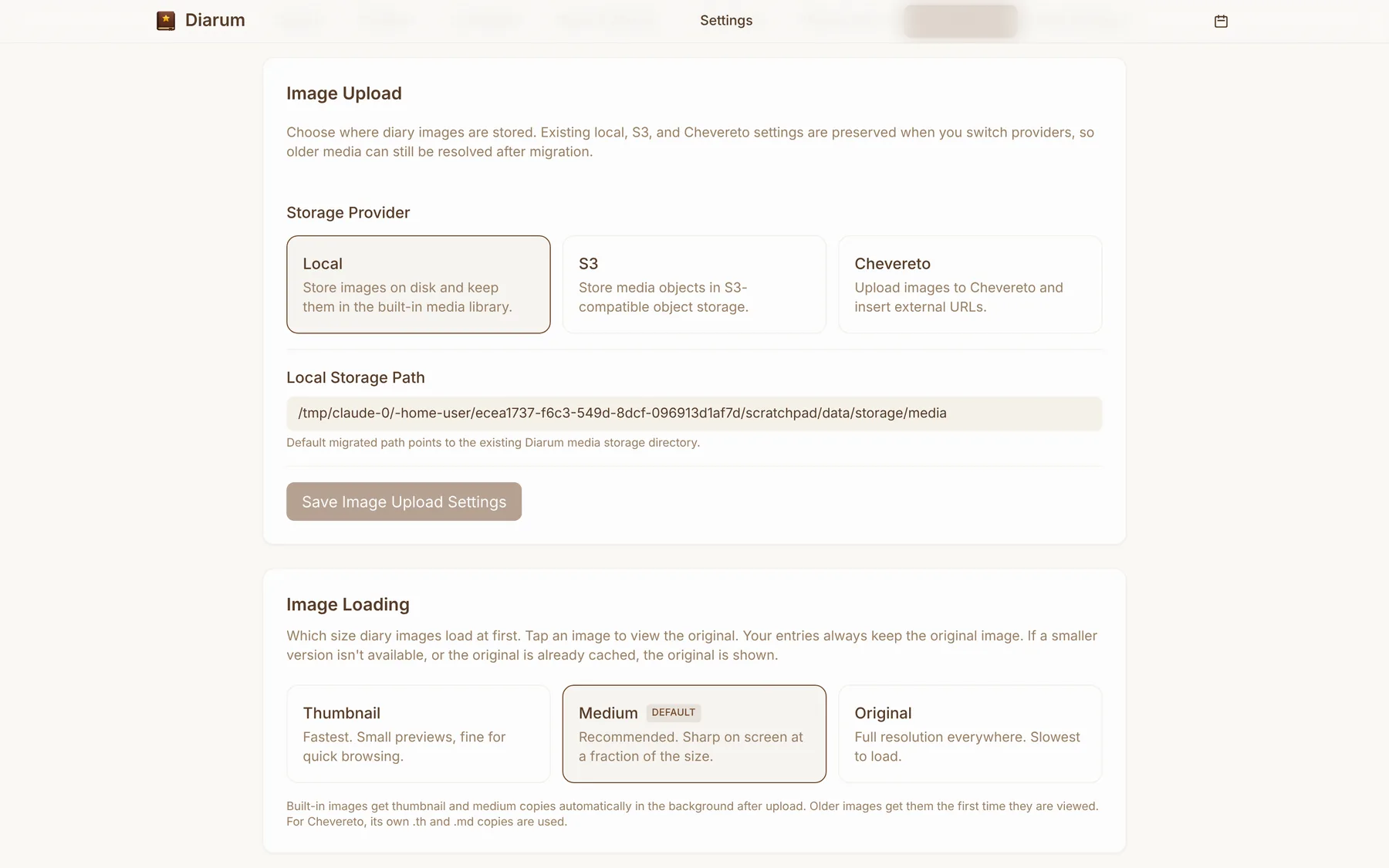
The built-in library creates thumbnail and medium copies in the background after each upload; older images get them the first time they are viewed. In Settings → Image upload choose which size entries load first:
- Thumbnail — fastest, fine for quick browsing;
- Medium (recommended) — sharp on screen at a fraction of the size;
- Original — full resolution everywhere.
Your entries always keep the original; tap an image to see it.
Live Photos
Diarum keeps the motion in the photos your phone takes:
- iPhone Live Photos — select the photo together with its
.MOV; - HarmonyOS / Android motion photos — single-file JPG/HEIC from Huawei, Honor, Xiaomi, OPPO, vivo, Samsung and Pixel;
- HEIC is converted to JPEG so every browser can show it.
Each Live Photo can loop, play once or stay still, with a default you set in Settings.
Three storage providers
| Provider | Notes |
|---|---|
| Local | Files on the server’s disk, managed by the built-in library (default) |
| S3 | Any S3-compatible object store, with an optional path prefix. Set a public URL (CDN or custom domain) and images load from there directly |
| Chevereto | Upload to your own Chevereto instance and insert its URLs |
Switching providers keeps the previous settings, so images uploaded before a migration still resolve.
Library, trash and housekeeping
The media library is a timeline of everything you have uploaded, showing where each image is stored and whether an entry still uses it.
- Trash — deleted images wait in the trash (30 days by default) and can be restored;
- Unused image cleanup — scan for images no entry uses and move them to the trash, or let Diarum do it every hour (images from the last 24 hours are left alone);
- Import external images — pull images an entry links to from elsewhere into your own library, so dead links never break your diary.