
A built-in Model Context Protocol server (Streamable HTTP). Claude, Cursor and other AI clients get read-only access with your API token.
What is MCP?
The Model Context Protocol is an open standard for connecting AI apps to data sources. Diarum ships an MCP server: turn it on and MCP clients — Claude Desktop, Claude Code, Cursor, Cherry Studio, VS Code and more — can query your diary to help you reflect, summarise and plan.
Turning it on
- Open Settings → API access and enable the API to get your API token;
- On the same page, enable the MCP server (a separate switch — you can keep the API on and MCP off);
- Copy the generated client configuration into your AI client.
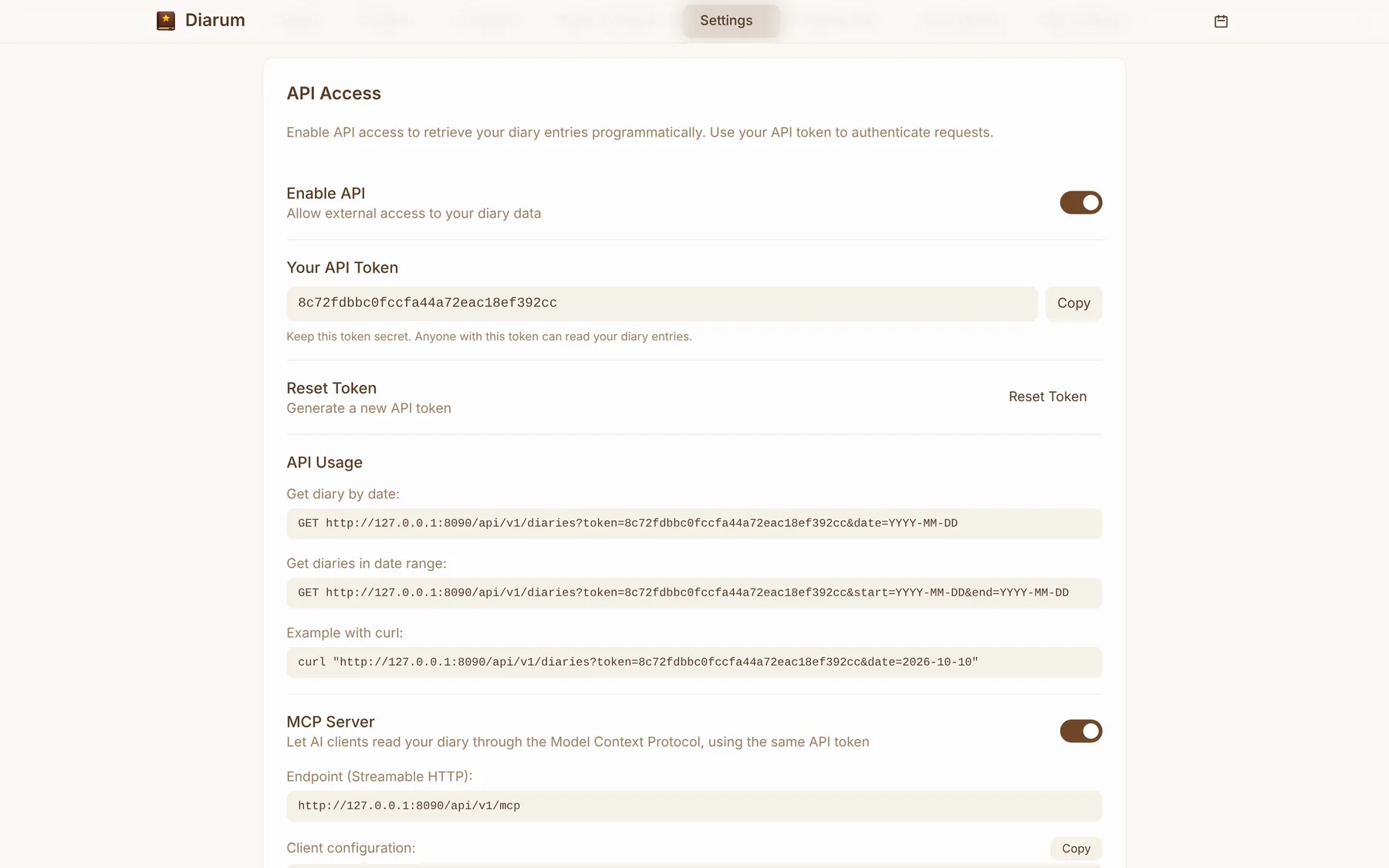
Client configuration
The endpoint is https://your-domain/api/v1/mcp over Streamable HTTP, authenticated with Authorization: Bearer <token>:
{
  "mcpServers": {
    "diarum": {
      "type": "http",
      "url": "https://diary.example.com/api/v1/mcp",
      "headers": {
        "Authorization": "Bearer <your-api-token>"
      }
    }
  }
}
With Claude Code it is a single command:
claude mcp add --transport http diarum https://diary.example.com/api/v1/mcp \
  --header "Authorization: Bearer <your-api-token>"
Tools
Every tool is read-only and scoped like the API token: it can only read its owner’s entries.
| Tool | Arguments | What it does |
|---|---|---|
get_diary |
date |
The entry for one date: content, mood and weather |
list_diaries |
start, end, limit |
Entries in a date range, newest first (50 by default, up to 200) |
search_diaries |
query, limit |
Full-text search across your entries |
Safe by design
- MCP has its own switch; resetting the API token revokes the old one immediately;
- Every MCP call goes into the audit log, and diary reads show up in visitor statistics — you can see exactly which days an AI read;
- Read-only: an AI can never change or delete anything.
Things to ask
- “Read my entries from last week and turn them into a weekly report.”
- “Find every entry that mentions running and summarise my exercise habits.”
- “What was I busy with last October?”