
Turn an entry into a polished share image with 5 themes, or copy it as Markdown with images rewritten to public links.
Share as an image
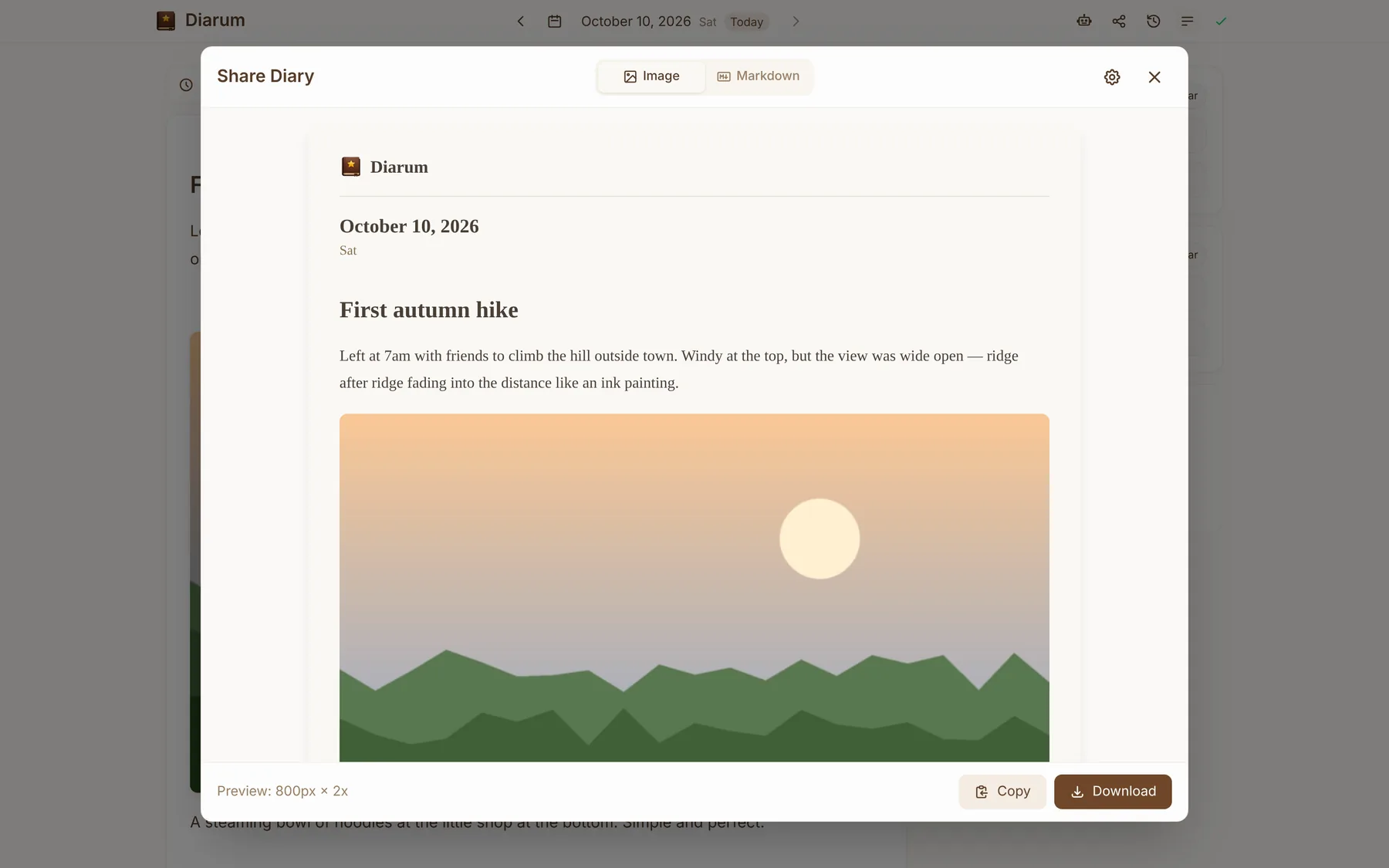
Hit the share button on any entry and Diarum renders it as a nicely typeset image:
- 5 themes — Warm Paper, Dark Elegant, Minimal White, Nature Green and Windows 95;
- Width of 600 / 800 / 1000 / 1200 px and scale of 1x / 2x / 3x (2x recommended);
- Choose whether to show the date, images and the Diarum branding;
- Copy to clipboard or download a PNG and post it anywhere.
The image is generated in your browser; your entry never passes through a third-party service.
Copy as Markdown
Switch to the Markdown tab to convert the entry to standard Markdown for your blog, notes app or a forum post.
If your images live in S3 with a public URL configured, the Markdown uses direct S3 / CDN links, so the images still show wherever you paste it.